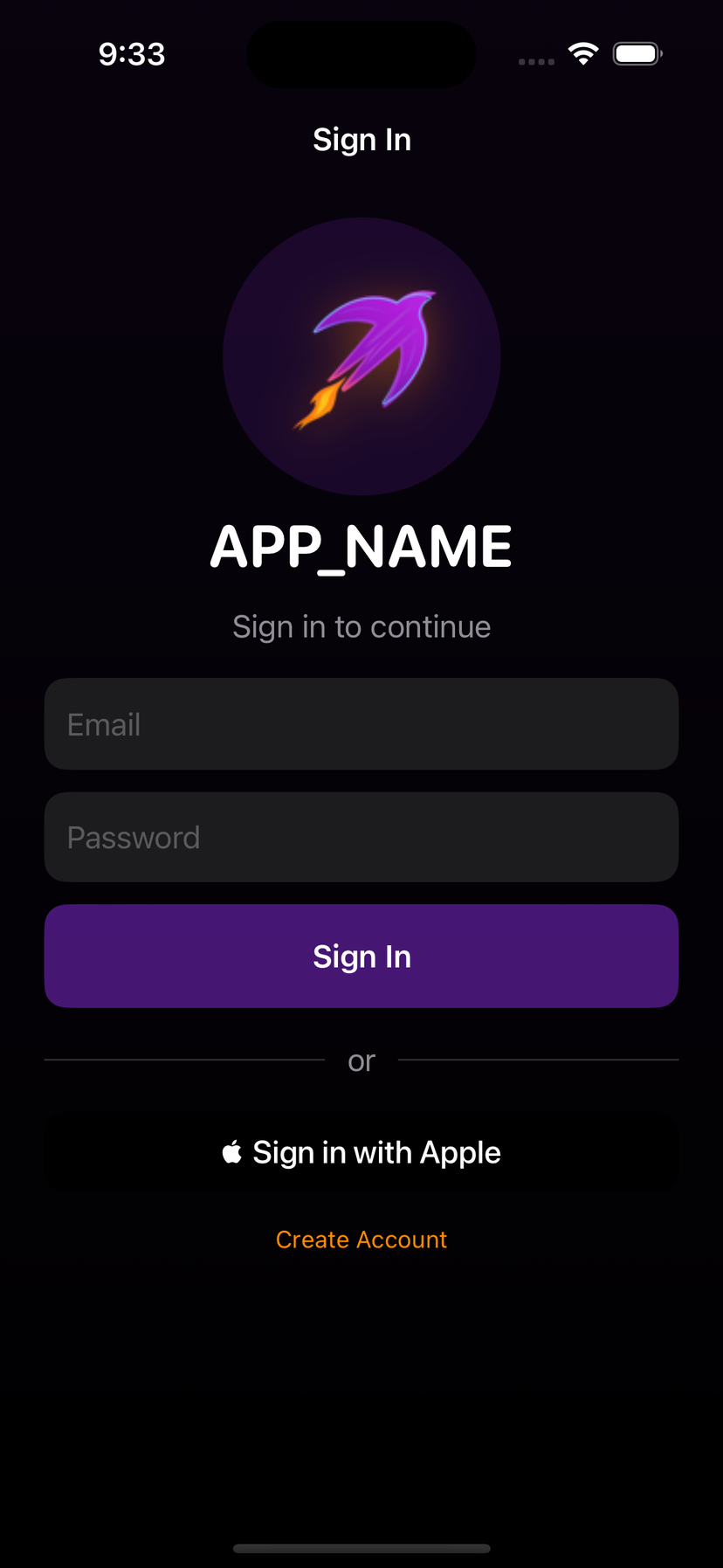
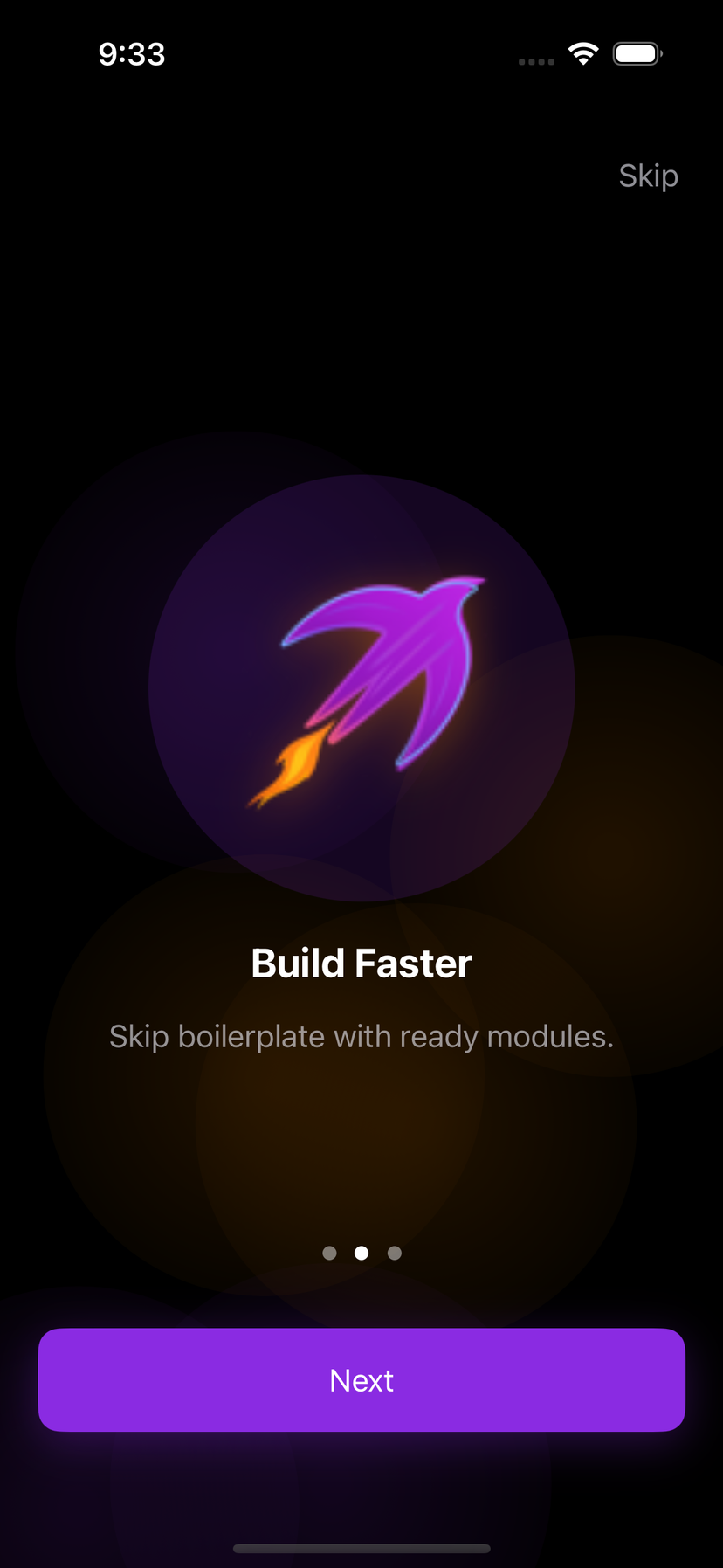
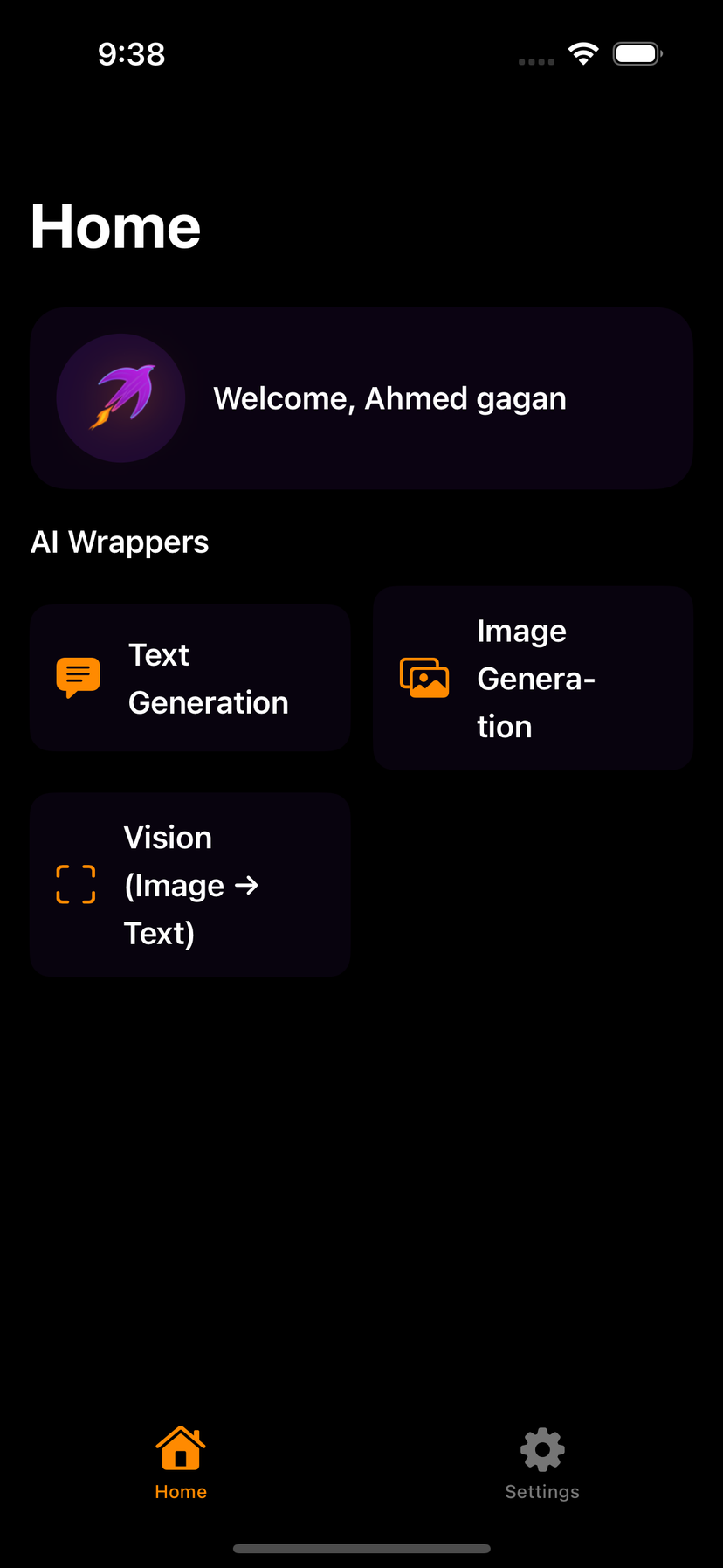
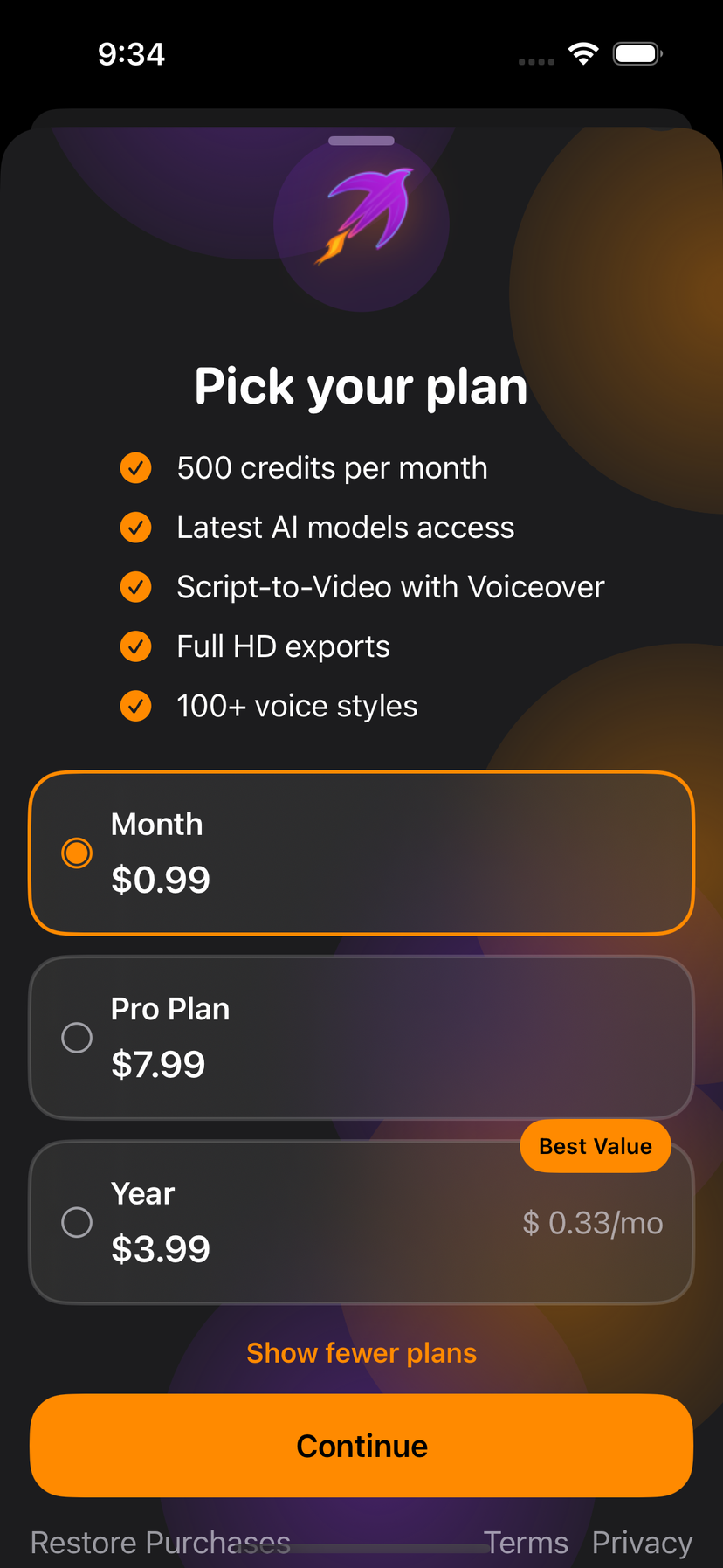
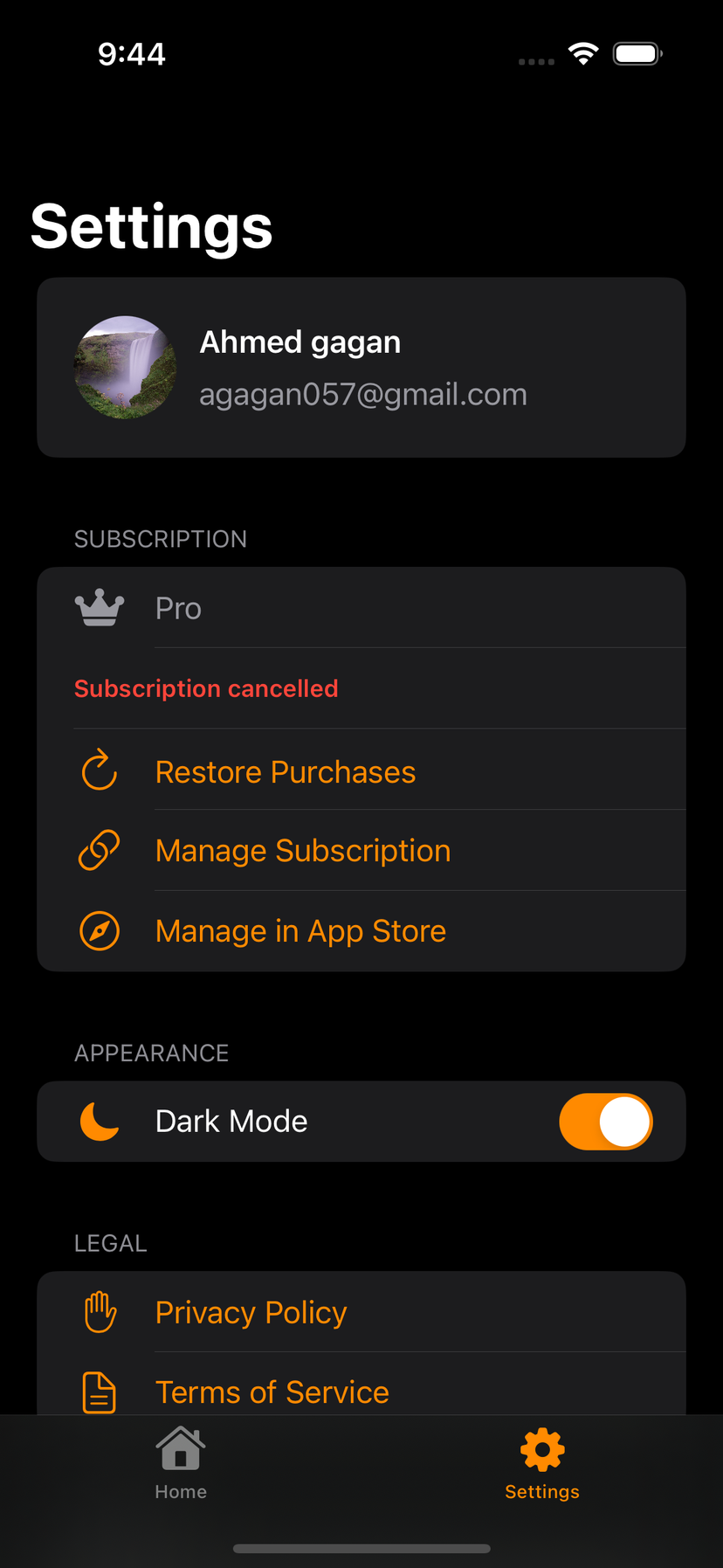
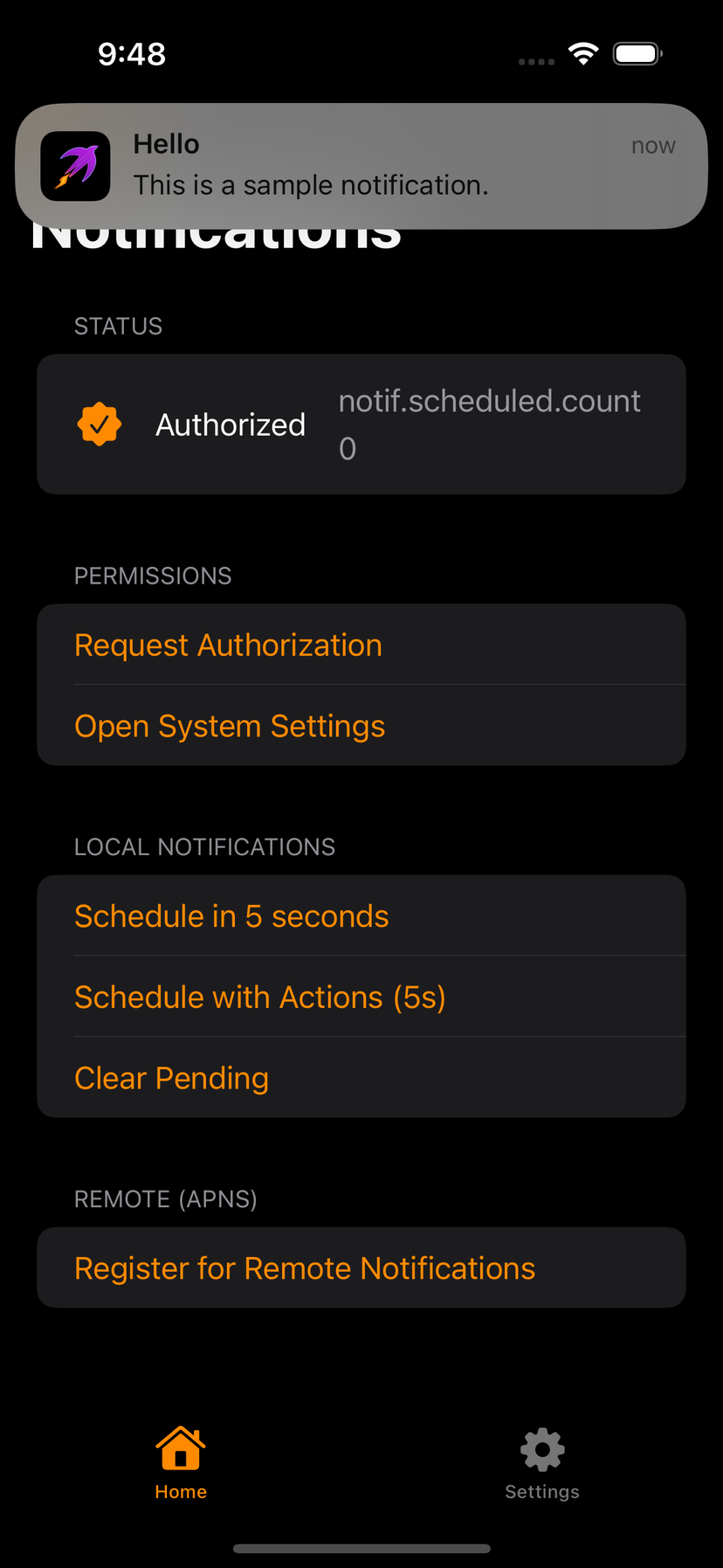
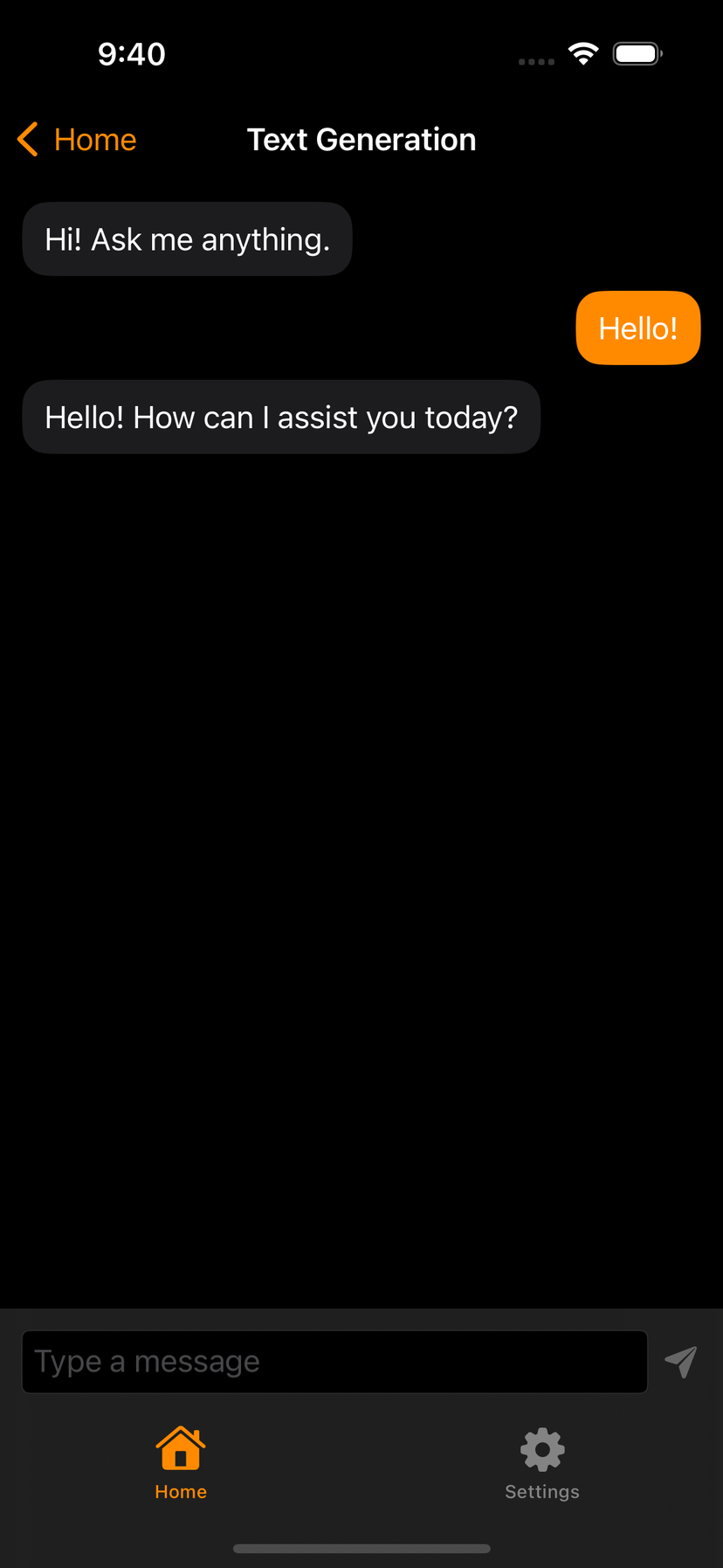
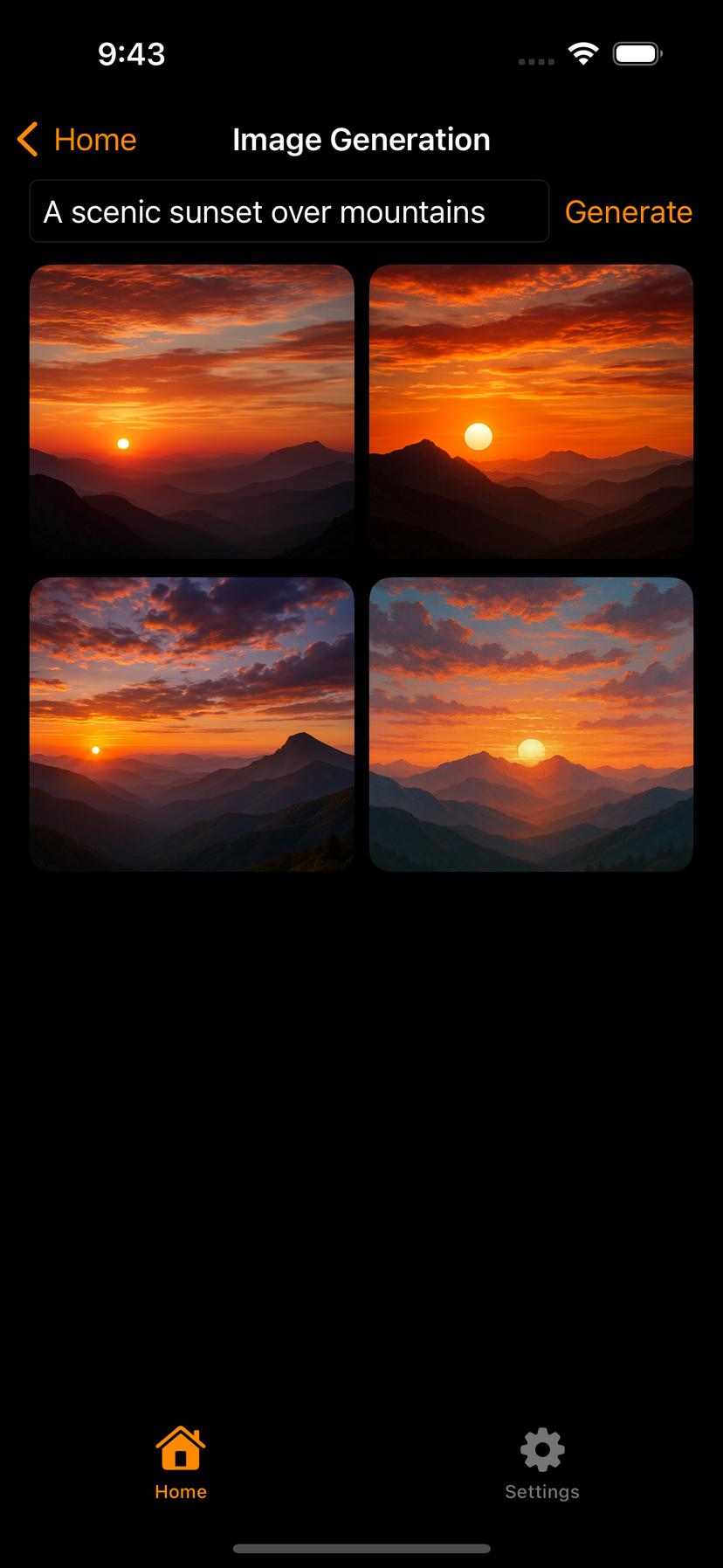
The Swift Kit is a production-ready SwiftUI boilerplate that saves indie iOS developers 100+ hours per project. Clone, run the setup CLI, paste your API keys, and ship a fully working iOS app in under 5 minutes — with onboarding, authentication, paywalls, AI features, and a centralized design system already wired up.
SwiftUI components, animation libraries, and charts
If you landed here looking for libraries rather than a full starter kit, start with the roundups — they answer the query and then point back to the kit only when a design system plus auth/paywall is actually the job:
- Best SwiftUI component libraries — SwiftUIX, ComponentsKit, Pow, Swift Charts, MarkdownUI, compared.
- Best SwiftUI animation libraries — native vs Pow vs Lottie vs Rive, and when not to add a package.
- Best SwiftUI charts libraries — why Swift Charts usually wins on iOS 16+.
What Is a SwiftUI Boilerplate?
A SwiftUI boilerplate (also called an iOS app starter kit or SwiftUI SaaS boilerplate) is a pre-built Xcode project that includes the common features every iOS app needs: authentication, onboarding screens, subscription paywalls, analytics, and backend connectivity. Instead of building these from scratch for every project, you buy the SwiftUI source code once and customize it. The Swift Kit is the most complete single-purchase SwiftUI boilerplate available in 2026 — covering everything from onboarding templates to RevenueCat paywall integration to ChatGPT AI features.
How to Launch an iOS App Fast
The fastest way to go from idea to App Store is to start with a production-ready foundation. The Swift Kit's interactive setup CLI configures your entire project automatically — app name, brand colors, surface style, feature selection, backend choice, and API keys. Most indie iOS developers go from clone to a running app in under 5 minutes. Read our 30-day launch playbook for the complete step-by-step process from validation to App Store submission.
“According to The Swift Kit's feature-by-feature time comparison, indie iOS developers save an average of 100–200+ hours per project by starting with a production-ready SwiftUI boilerplate instead of building authentication, onboarding, paywalls, and backend integration from scratch. At typical freelance rates, that's $7,500–$30,000 in development costs saved per project.”
Time estimates based on feature-by-feature comparisons across 6 shipped apps and developer community feedback. Last verified March 2026.
Centralized Design System — Edit One File, Retheme Everything
Unlike other SwiftUI templates that scatter styles across dozens of files, The Swift Kit uses a centralized 5-layer design system. Edit one file — DesignSystem.swift — and every screen, card, button, and container across the entire app updates automatically. Choose from five surface styles: Flat, Bordered, Elevated, Glass, or Liquid Glass (Apple's new iOS 26+ material with automatic fallback). Read our design tokens guide to learn more about the architecture.
Pre-Wired Integrations for Indie iOS Developers
The Swift Kit comes with four key integrations pre-configured and ready to use:
- •Supabase — Auth (email + Sign in with Apple), Postgres with Row Level Security, Storage buckets, and Edge Functions. Read the Supabase SwiftUI tutorial.
- •RevenueCat — StoreKit 2 subscriptions, paywall templates, free trials, restore purchases, and entitlement management. Read the RevenueCat guide.
- •TelemetryDeck — Privacy-first analytics. Simple event tracking without compromising user privacy.
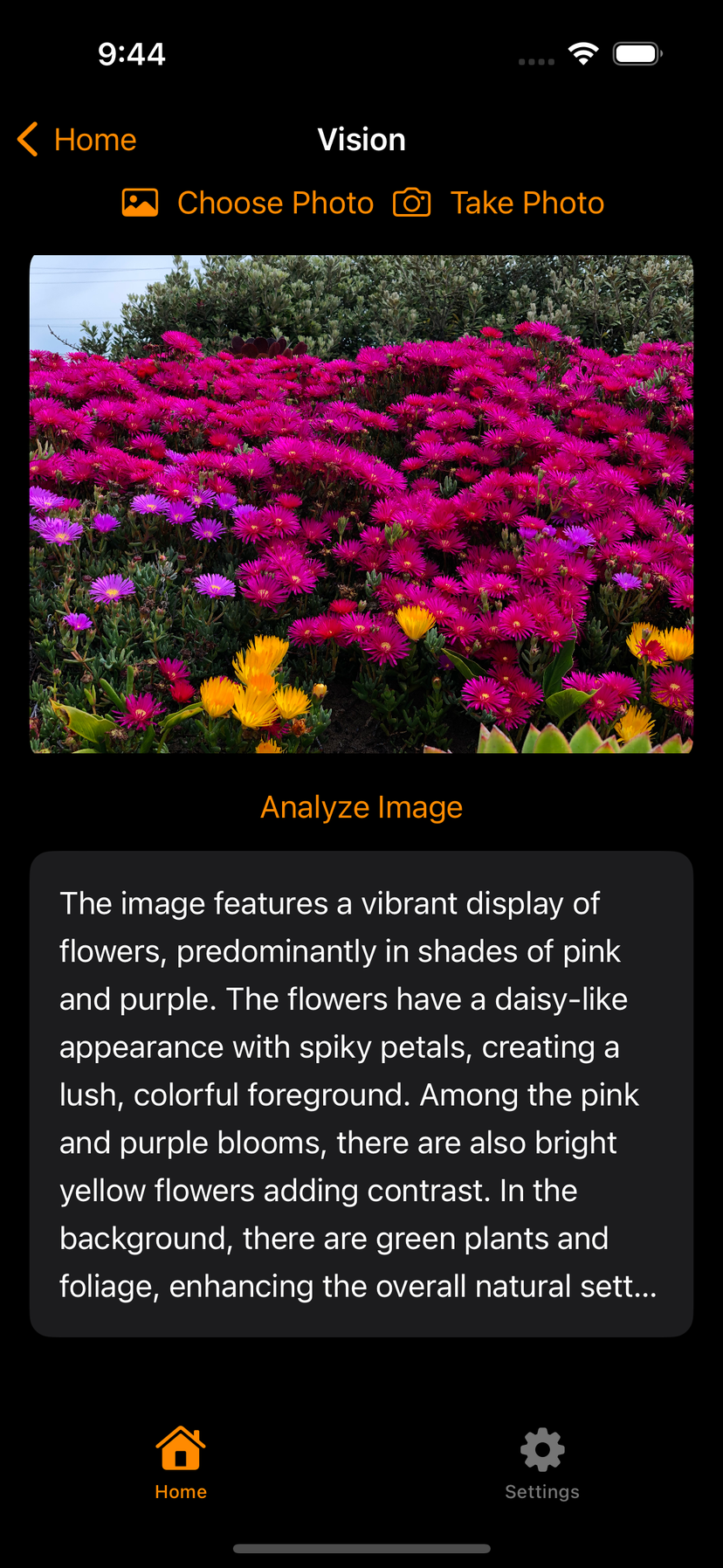
- •OpenAI — ChatGPT chat, DALL-E image generation, and GPT-4 Vision with a secure Flask proxy backend. Read the AI app tutorial.
All integrations are optional — gated behind feature flags. Disable any integration you don't need and the app adapts gracefully. See the full integrations page for details.
Who Benefits from The Swift Kit?
The Swift Kit is designed for anyone building iOS apps with SwiftUI who wants to skip the repetitive setup:
- •Indie iOS developers — Ship your side project or main product faster. Focus on what makes your app unique.
- •Solo founders — Go from idea to MVP in days, not months. The kit handles the infrastructure.
- •Freelancers — Use the same production-ready foundation for every client project. Deliver faster, earn more.
- •Small app teams — Start every project with consistent architecture, clean patterns, and working integrations.
- •Students — Learn production SwiftUI patterns by studying a real, well-architected codebase.
“The Swift Kit uses a centralized design system where editing a single file — DesignSystem.swift — updates every screen in the app. Combined with feature flags that toggle entire modules without code deletion, it's the fastest way to go from zero to a production-ready SwiftUI app in 2026.”
Learn More — Tutorials & Guides
Explore our blog for in-depth tutorials and guides covering every aspect of iOS development:
- SwiftUI Boilerplate Guide — Complete guide to shipping iOS apps 10× faster
- SwiftUI Architecture: MVVM Done Right — Architecture patterns for production apps
- Sign in with Apple Tutorial — Complete 2026 implementation guide
- StoreKit 2 vs RevenueCat — Which to use for iOS subscriptions
- Supabase vs Firebase for iOS — Honest developer comparison for 2026
- How to Monetize Your iOS App — Complete indie developer revenue guide
- Indie Dev Tech Stack 2026 — Every tool you need with cost breakdowns
Last updated: September 2026. The Swift Kit is actively maintained and updated with every major SwiftUI release.